
Review Management Software for ServiceTitan users
Connect ServiceTitan and a Google review request goes out when the job is marked Completed, credited to the technician who did the work.
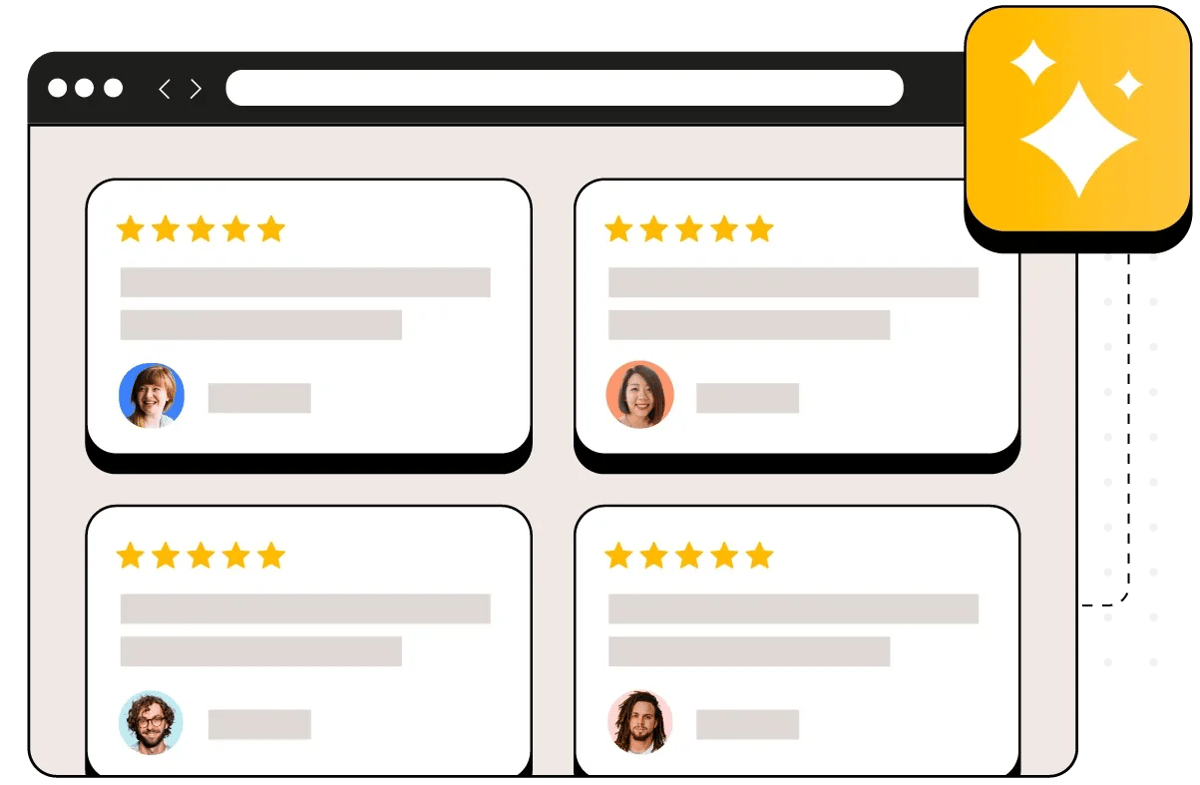
They love how easy we've made it







Review requests fire when a ServiceTitan job is marked Completed
One trigger, and it is the one that matters: a job reaching Completed. Reviewflowz reads completed jobs from ServiceTitan and the request goes out when the tech closes the job, by email, SMS or WhatsApp. Scheduled, Dispatched, In Progress, On Hold and Canceled trigger nothing, so the customer whose install was booked and then cancelled is never asked how it went. There is no rating question first and no survey branch. Everyone gets asked, and the link opens Google's own review form. The full walkthrough is in how to get Google reviews from ServiceTitan jobs.
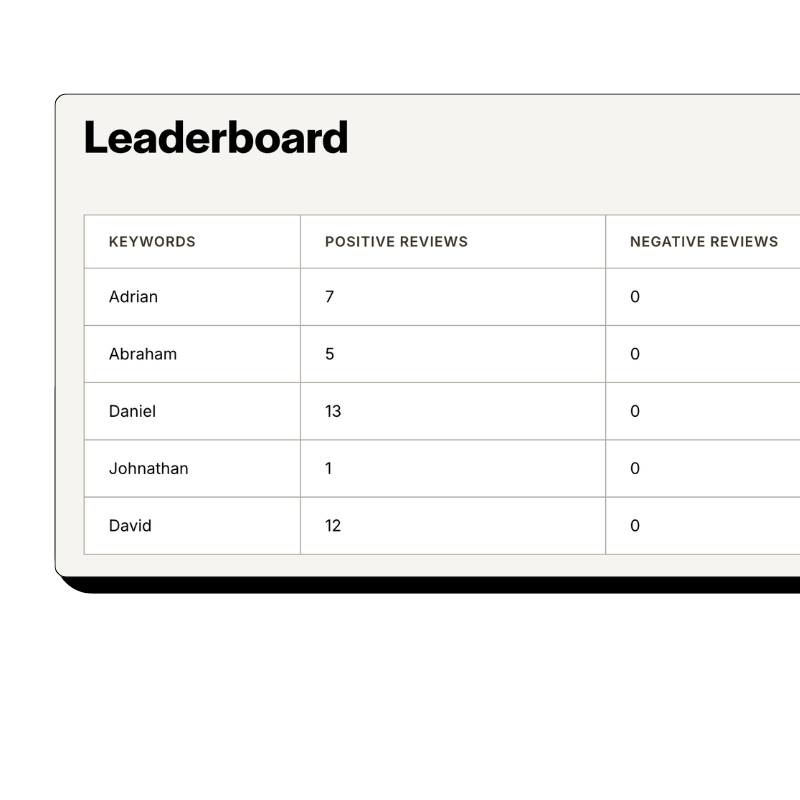
Your best techs and best customers, ranked inside Reviewflowz
Nothing is written back into ServiceTitan. Reviewflowz reads jobs from it and the matching happens on our side, which is the honest description of it: every review that arrives is tied to the job that produced it and to the technician ServiceTitan says did the work, then lands on a leaderboard with a conversion rate per person rather than a raw review count. You can see which techs customers actually name, which ones remember to ask, and which customers are worth going back to for a referral or a case study. Jobs completed before you connected are imported for reporting and technician credit, so the board is worth opening on day one, and none of those past customers is ever messaged.

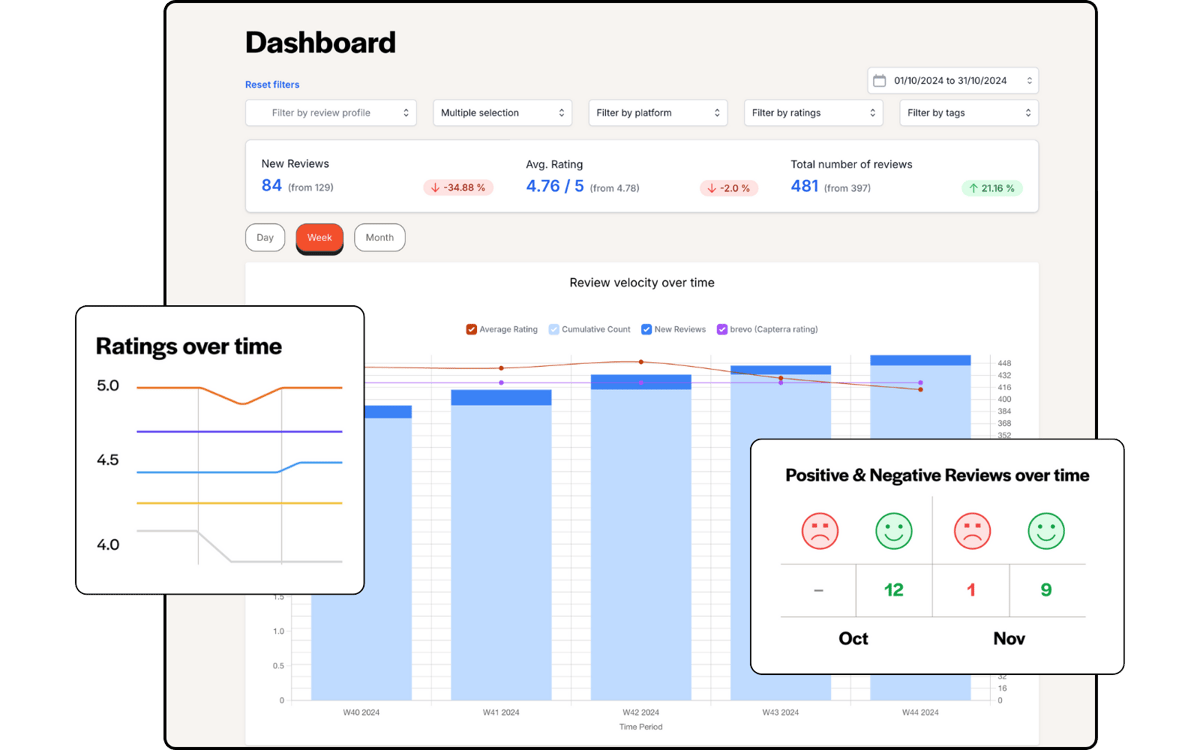
See what is actually moving your rating
Connect one location and look at your own data. About five minutes, and your review history comes with it.
Attribution from the job record, not from guessing at the review text
Attribution comes off the technician assignment on the ServiceTitan job. Not who sent the text, not whose name appears in the review, not a confidence score. ServiceTitan's own Marketing Pro documents the other approach: it matches a review to a technician using low, medium or high confidence indicators drawn from the reviewer name, the review text and the dates, then asks a person to verify. That works until a customer writes that the guy was great and names nobody. Reading the assignment handles the awkward cases instead. Two techs on one job and both are credited. A tech reassigned halfway through and the credit follows the reassignment. Nobody has to coach a customer into typing a name to get per-technician numbers.
Calculate review conversion rates from ServiceTitan job data
Raw review counts hide the number that actually tells you something. Reviewflowz counts completed ServiceTitan jobs on one side and reviews collected on the other, so you get a real conversion rate instead of a running total. A contractor with 50 reviews from 200 jobs is converting at 25 percent and is beating a competitor with 200 reviews from 2,000 jobs at 10 percent, whatever the number on the profile suggests. Break it down by technician, by business unit or by period to see which crews and which job types actually produce reviews. The average Reviewflowz customer converts at 7.5 percent.
AI replies to every review, and an alert before a bad one sits there
Reviewflowz drafts a reply in your brand voice for every review it picks up on Google, Yelp, Facebook and the Better Business Bureau, and publishes the Google ones straight back to your profile. Approve them one at a time or let them post. Google tells businesses to respond, and a profile where every review has an answer reads differently to a homeowner comparing three contractors at nine at night. Alerts are separate and included on every plan: set a rating threshold, which defaults to that rating or less, and the review reaches you in Slack, Teams, email or a webhook. That is your window to phone the customer while it is still fixable.

Start replying today
Your review history imports the moment you connect, so there is something to reply to from the first minute.
FAQs
What review platforms matter most for contractors using ServiceTitan?
Google first, and it is not close. A homeowner with no heat searches, scans the map pack and calls one of the first three. Yelp and Facebook still carry weight in some metros, and the Better Business Bureau is the trust signal that shows up on a big-ticket replacement rather than a service call. Reviewflowz monitors those from one dashboard alongside 200+ other platforms, so a one-star that lands somewhere nobody on your team checks does not sit there unanswered for a week. Where not to spend the effort is anywhere your customers do not look before they call.
How do I track review performance by ServiceTitan technician?
Reviews are attributed from the technician assignment on the job, so you get reviews per tech, average rating per tech, and a conversion rate against jobs completed, without anyone needing to say a name in the review. Filter by technician, business unit or period. Most home-services companies already run spiffs, and an attributed review is the line that slots into one, because the tech who earned it can be paid for it. Two things to know before you write it into the comp plan. Paying per review tends to produce short reviews and bare star ratings, which carry less weight than one that names the tech and describes the job. And there is a line: incentivising your own staff to ask is fine, incentivising the customer is not.
How does ServiceTitan trigger automated review requests?
One event: the job status reaching Completed. Reviewflowz reads completed jobs from ServiceTitan and the request goes out when the tech closes the job, by email, SMS or WhatsApp, whichever you pick at setup. There is no inspection trigger and no invoice-paid trigger. Completed is the whole list, because unlike some field service platforms ServiceTitan has no post-completion billing statuses to fold in. Scheduled, Dispatched, In Progress, On Hold and Canceled jobs never produce a request, so a customer whose job was booked and then cancelled is never asked how it went. You set the channel, the message and any delay once.
Can ServiceTitan users send review requests via WhatsApp?
Yes. Email, SMS and WhatsApp are the three channels and the trigger is the same for all of them: the job reaching Completed. WhatsApp is worth it where your customers already live in it, which for a lot of contractors means specific neighbourhoods rather than the whole book, so it is worth testing against SMS on one business unit before you switch everything. Messaging is metered on top of the subscription at $5 per 1,000 emails and $5 per 100 SMS. WhatsApp pricing varies by country.
I am losing my Podium integration with ServiceTitan. What now?
ServiceTitan ended its Podium partnership in August 2026, and Podium's ServiceTitan marketplace listing now returns a 404 on Podium's own site. Podium itself keeps working: the phone number, webchat, inbox and payments are Podium's own and survive. What stops is the connection, including the review request that fired when a job was completed. Cutoff was reported as 15 September 2026, but neither company published a date and it appears to have varied by account, so confirm yours with your CSM rather than a blog post. If you are only replacing one piece of it, replace that one. A completed job is the moment a customer is most willing to leave a review, and the only one that scales without somebody remembering to ask. Reviewflowz connects to ServiceTitan directly, with no third party in the middle.
What do I need to connect ServiceTitan to Reviewflowz?
Three credentials off two ServiceTitan screens, and you can get all three yourself. Client ID and Client Secret come from your app's Credentials section in the ServiceTitan developer portal at developer.servicetitan.io. Tenant ID comes from a different screen: in ServiceTitan open Settings, search Integrations, open API Application Access and copy the Allowed tenant value. Paste all three into Reviewflowz under Integrations, then Automate Review Requests. The secret is stored encrypted and never shown back to you. If you are billed for more than one location, match your business units or your customers' addresses to your locations so each request points at the right Google profile. No support ticket, no sales call, no developer.
What does ServiceTitan review automation cost?
$70 per location per month billed annually, or $80 month to month with no commitment of any sort. That is the Premium plan, which is where technician attribution and the leaderboard live. Messaging is metered on top at $5 per 1,000 emails and $5 per 100 SMS, so 200 texts a month is $10, and WhatsApp varies by country. The obvious alternative is ServiceTitan's own Marketing Pro, which is a real product, except that you cannot buy the reputation piece on its own: ServiceTitan's FAQ says Marketing Pro is sold as one package alongside email marketing and direct mail, and there is no published price. Podium and Birdeye are all-in-ones too, with contracts that run a year or more and a notice period to leave. Reviewflowz does one job. The 14 day trial does not ask for a card.