
Review Management Software for serviceminder users
Connect serviceminder to automated review collection and turn every completed service call into Google reviews that bring more homeowners to your door.
They love how easy we've made it





Automated review requests after serviceminder job completion
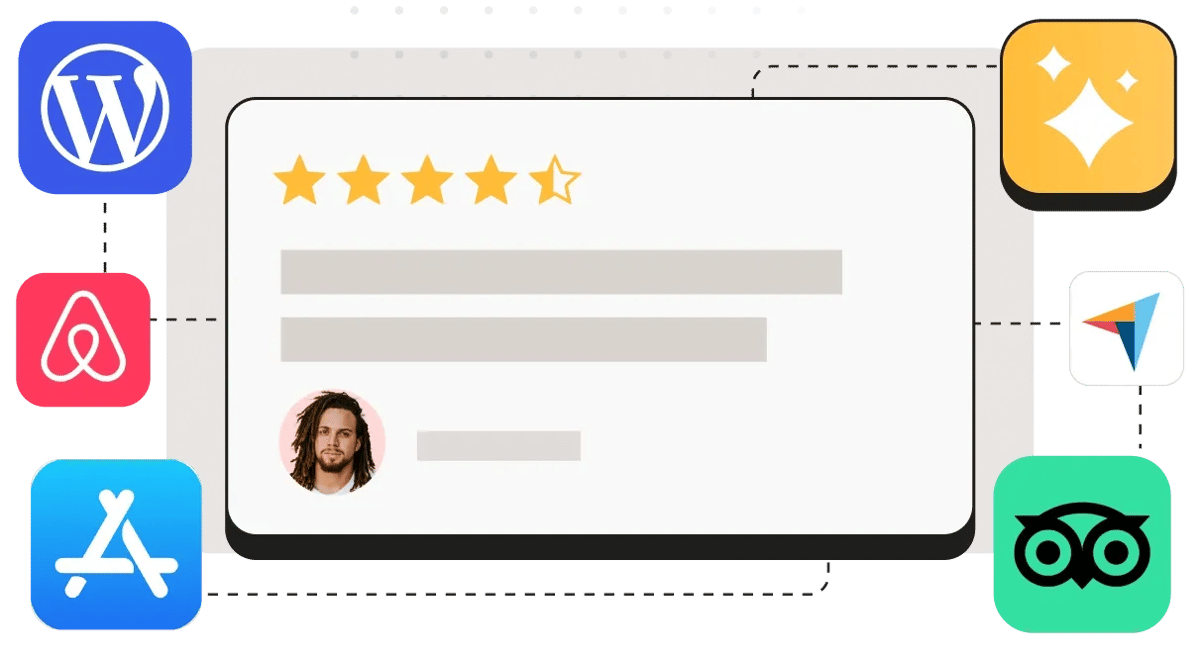
Reviewflowz automatically sends review requests when you mark jobs complete in serviceminder, reaching customers via email, SMS, or WhatsApp without manual work. Configure your trigger once and every finished plumbing repair, HVAC service, or cleaning appointment generates a review request to Google, Yelp, Angi, and other platforms. Your customers get asked while the positive experience is fresh, and you never miss an opportunity because you forgot to follow up. The system runs continuously in the background, turning your completed serviceminder jobs into a steady stream of review opportunities.
Identify your best customers from serviceminder reviews
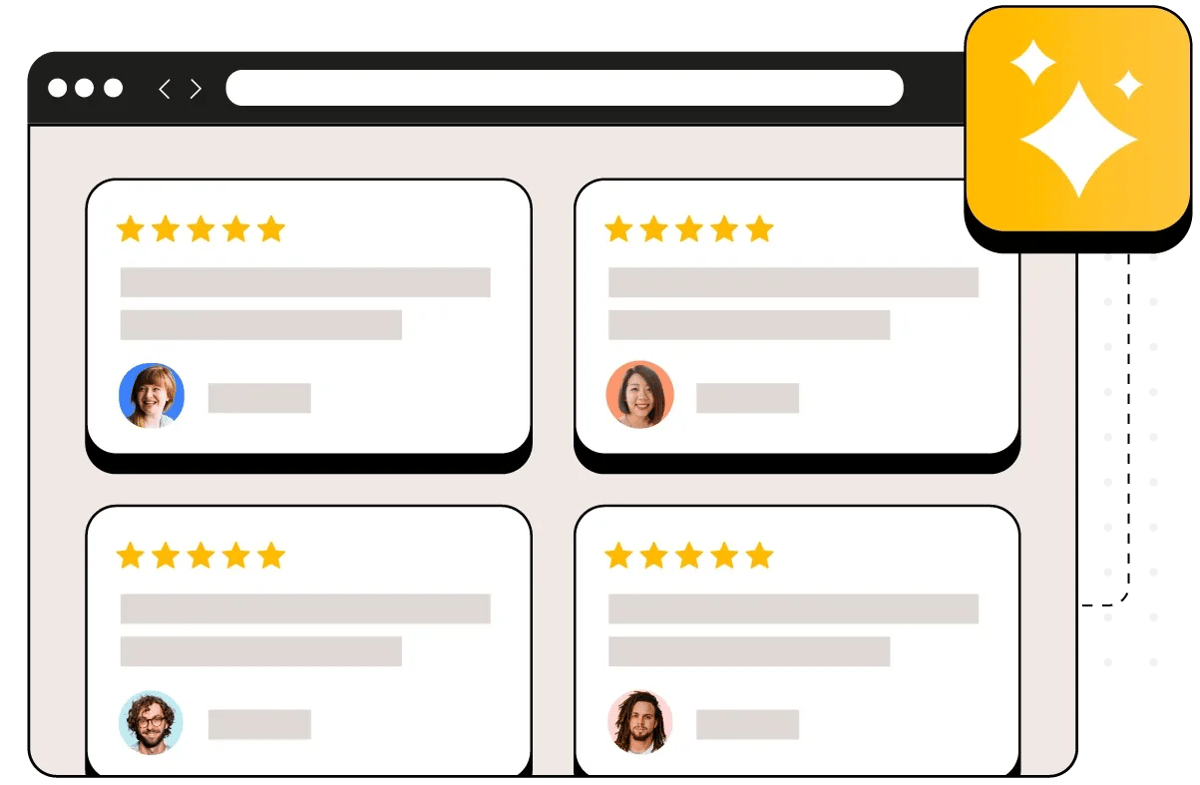
When customers leave 5-star reviews, that data flows back into serviceminder attached to their customer record, instantly identifying your biggest advocates. Your office staff can see which homeowners are most satisfied and target them for referrals, video testimonials, or case studies for your website. Instead of guessing who might recommend you, you have concrete proof of customer satisfaction linked directly to their service history. This makes it simple to build a referral program around customers who already love your work, turning satisfied homeowners into active promoters of your serviceminder business.
See what is actually moving your rating
Connect one location and look at your own data. About five minutes, and your review history comes with it.
Track which serviceminder techs get the most reviews
Reviews automatically get attributed to the specific technician who completed each serviceminder job without customers needing to mention names in their reviews. This prevents the awkward name-dropping requests that make reviews sound unnatural and get flagged by Google for removal. Since Reviewflowz connects directly to serviceminder, it already knows which tech handled each call, so attribution happens behind the scenes. You get detailed performance tracking showing which technicians consistently earn 5-star reviews, which ones need coaching, and how customer satisfaction varies across your team. The reviews read naturally while you still get actionable staff performance data.
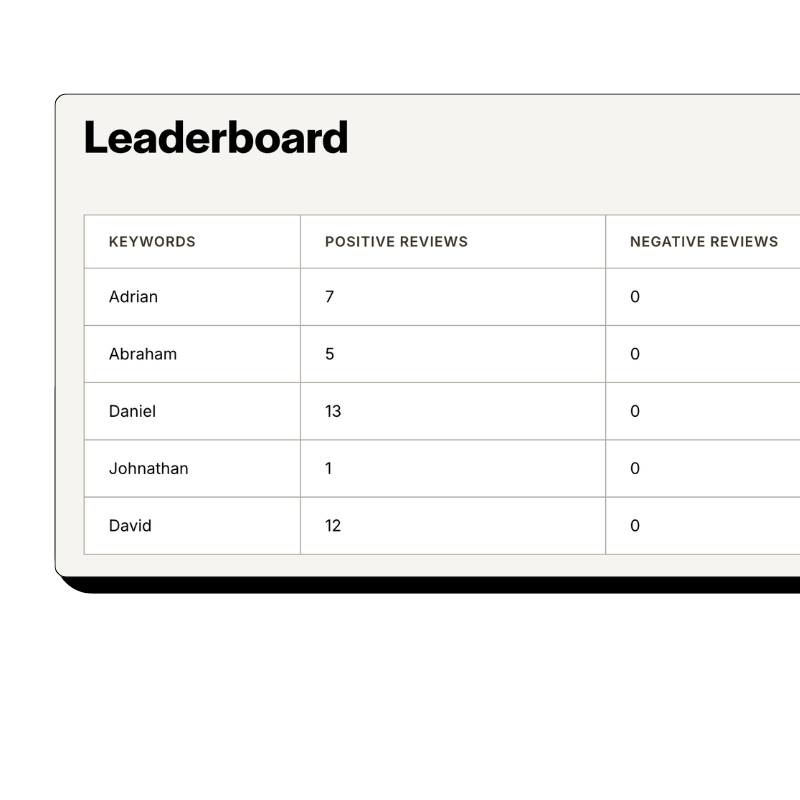
serviceminder review conversion rate tracking and metrics
Track your review conversion rate by dividing reviews collected by completed serviceminder jobs, giving you the metric that actually predicts business growth. A competitor with 40 reviews from 800 service calls has a 5% conversion rate that will outperform your 100 reviews from 5,000 jobs at just 2%. Reviewflowz pulls your job completion data directly from serviceminder to calculate this automatically, so you see real performance instead of vanity metrics. The average conversion rate across Reviewflowz customers is 7.5%, giving you a benchmark to measure against. This data helps you optimize your review collection strategy and identify what drives customers to actually leave reviews.
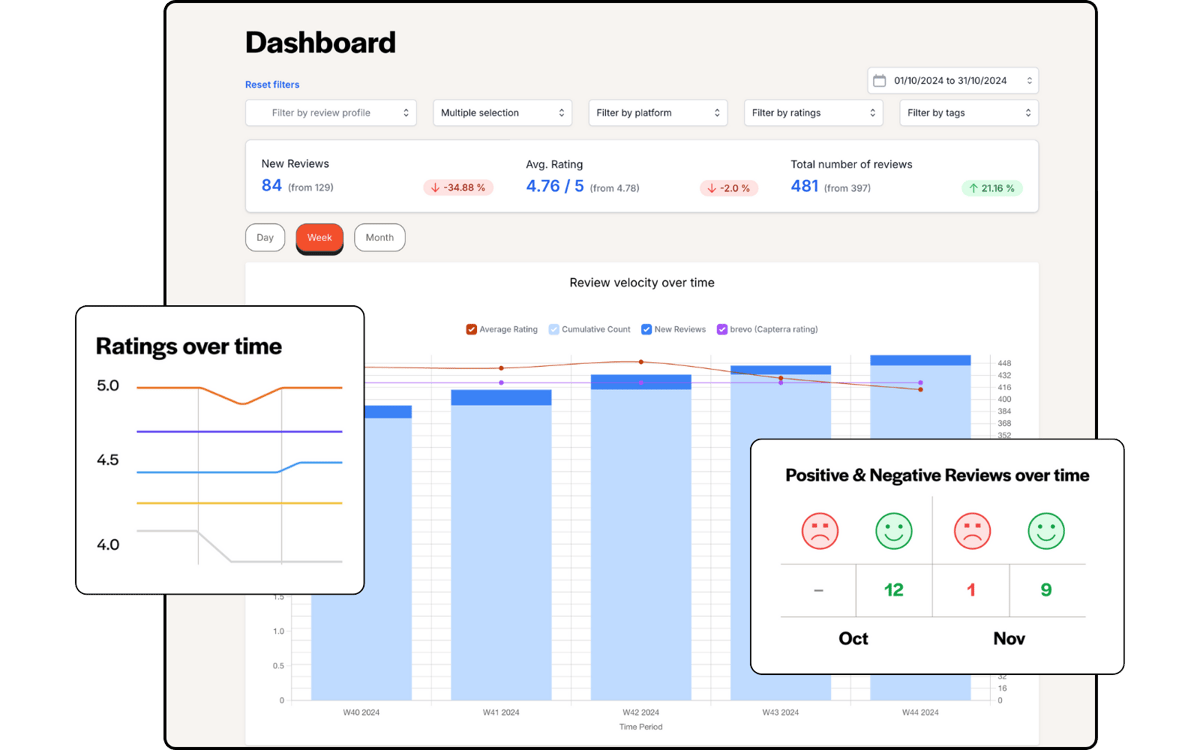
AI review replies for serviceminder businesses
AI automatically generates and posts replies to every review across Google, Yelp, Angi, HomeAdvisor, and 200+ other platforms in your brand voice. Responding to reviews improves your Google ranking and shows future customers that you care about feedback, but manually replying to dozens of reviews monthly takes hours your techs don't have. The AI learns your business tone and generates appropriate responses for both positive reviews and negative feedback. You can approve replies before they post or let them publish automatically, ensuring every customer gets acknowledged while you focus on running serviceminder jobs instead of managing online reputation manually.

Start replying today
Your review history imports the moment you connect, so there is something to reply to from the first minute.
FAQs
What review platforms matter most for serviceminder users?
Google Reviews is the top priority since most homeowners find contractors through Google search, but Yelp, Angi, HomeAdvisor, and Facebook are equally important for home service businesses. These platforms specifically cater to homeowners researching plumbers, HVAC technicians, cleaners, and other service providers. According to the BrightLocal Local Consumer Review Survey, 2024, 87% of consumers used Google to evaluate local businesses. Reviewflowz monitors all these critical platforms plus 200+ others from one dashboard, so serviceminder users never miss reviews that could impact their reputation and lead generation.
How do I measure review success with serviceminder data?
Your review conversion rate (reviews divided by completed serviceminder jobs) is the only metric that predicts business growth, not total review count. A contractor with 60 reviews from 300 jobs has a 20% conversion rate that will dominate a competitor with 150 reviews from 3,000 jobs at just 5%. Reviewflowz calculates this automatically by pulling completion data directly from serviceminder, showing you real performance instead of meaningless totals. The average conversion rate across Reviewflowz customers is 7.5%, giving serviceminder users a benchmark to measure their review collection effectiveness.
How do review requests work with serviceminder workflows?
When you mark a job complete in serviceminder, Reviewflowz immediately triggers a review request to your customer via email, SMS, or WhatsApp based on your preferences. You configure the trigger once by selecting which serviceminder status change activates the review request and choosing your preferred communication method. After setup, every completed plumbing repair, HVAC service, or cleaning appointment automatically generates a review request without manual intervention. The system integrates directly with serviceminder workflows, so your existing job completion process triggers review collection without changing how your techs work.
Can serviceminder users send WhatsApp review requests?
Yes, serviceminder users can send review requests via WhatsApp with 98% open rates compared to 20% for email, making it especially effective for reaching customers. WhatsApp requests work identically to email and SMS, automatically triggering when you mark serviceminder jobs complete. This is particularly valuable in markets where WhatsApp is the primary communication channel or for reaching younger homeowners who prefer messaging over email. WhatsApp pricing varies by country but follows the same pay-as-you-go model as other channels, with no monthly minimums or contracts required.
How does tech attribution work with serviceminder reviews?
Reviews automatically get attributed to the specific technician assigned to each serviceminder job without customers mentioning names, preventing the unnatural-sounding reviews that Google often removes. Since Reviewflowz connects directly to serviceminder, it already knows which tech handled each service call, so attribution happens behind the scenes using job data rather than customer input. This gives you detailed performance tracking showing which technicians consistently earn positive reviews while keeping the reviews natural and less likely to be flagged. You get actionable staff performance insights without compromising review authenticity or risking removal.
How long does serviceminder integration setup take?
Setup takes under 15 minutes with no developer needed. Simply connect your serviceminder account to Reviewflowz, choose which job status triggers review requests, select your preferred communication method (email, SMS, or WhatsApp), and you're live. Your first automated review request goes out the same day you complete the setup. The integration works with existing serviceminder workflows, so your techs continue marking jobs complete as usual while review requests happen automatically in the background.
What do serviceminder review requests cost?
Reviewflowz charges $5 per 1,000 email requests and $5 per 100 SMS requests on a pay-as-you-go basis with no monthly minimums or contracts. For most serviceminder businesses, this works out to just pennies per review collected. WhatsApp pricing varies by country but follows the same pay-as-you-go model. With the average review conversion rate of 7.5% across Reviewflowz customers, you're typically paying under $1 for each review you actually collect, making it extremely cost-effective compared to other marketing channels that bring new customers.