
Review Management Software for Lunchbox users
Connect your Lunchbox system to automatically request Google and Yelp reviews after every order completion, pickup, or delivery.
They love how easy we've made it





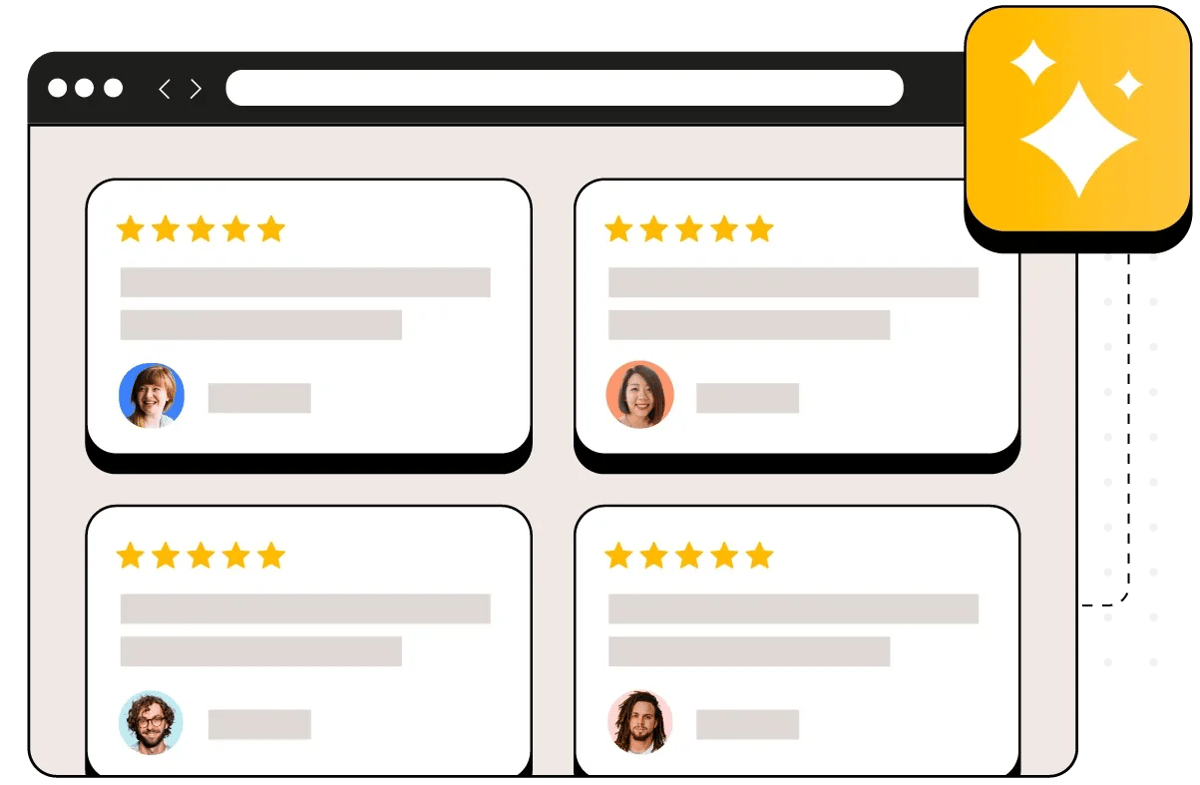
Automated review requests after Lunchbox orders
Reviewflowz automatically sends review requests via email, SMS, or WhatsApp whenever an order is completed in your Lunchbox system. Whether it's pickup, delivery, or dine-in orders, every customer gets asked to leave feedback on Google, Yelp, TripAdvisor, and other platforms without any manual work from your team. The system monitors order completion status in Lunchbox and triggers requests instantly, ensuring no satisfied customer slips through the cracks. Setup takes under 15 minutes with no developer needed.
Track your biggest fans from Lunchbox customer data
When customers leave 5-star reviews, that positive feedback automatically syncs back to their customer profile in Lunchbox. Your team can instantly identify repeat customers who are brand advocates when they place future orders or visit your location. Use this insight to ask loyal customers for referrals, invite them to special events, or feature them in social media campaigns. The integration creates a complete loop between order data and review sentiment, helping you build stronger relationships with customers who already love your restaurant.

See what is actually moving your rating
Connect one location and look at your own data. About five minutes, and your review history comes with it.
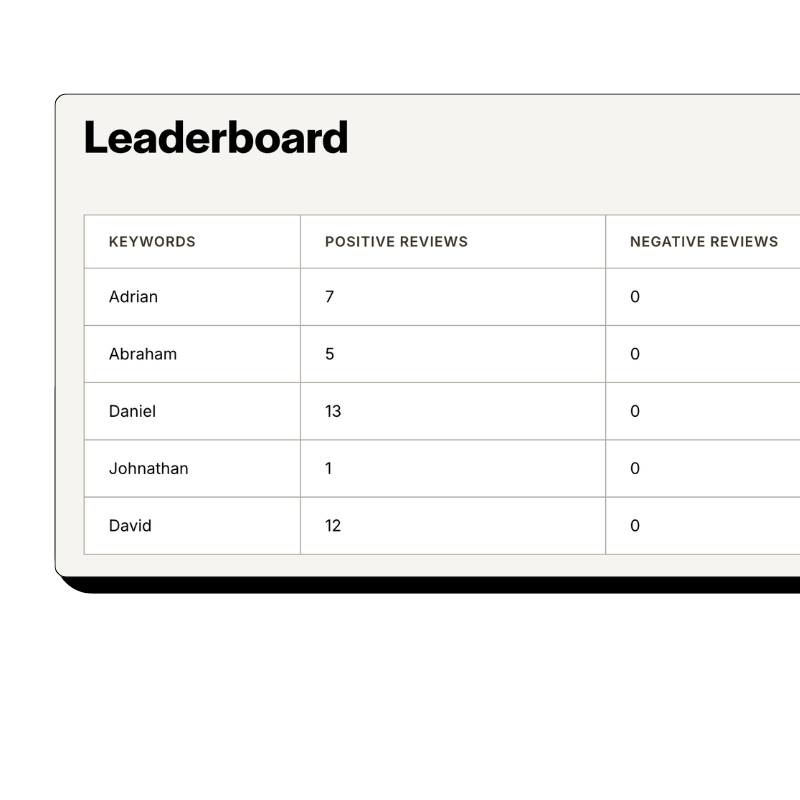
Attribute reviews to staff without customer name-drops
Reviewflowz automatically connects reviews to the specific team members who handled each order using your existing Lunchbox data. No need to ask customers to mention server names, which often leads to Google flagging reviews as fake or customers forgetting names entirely. The system knows which cashier, server, or manager processed each order and attributes incoming reviews accordingly. This gives you accurate performance tracking for individual staff members while keeping reviews natural and avoiding platform penalties for soliciting specific mentions.
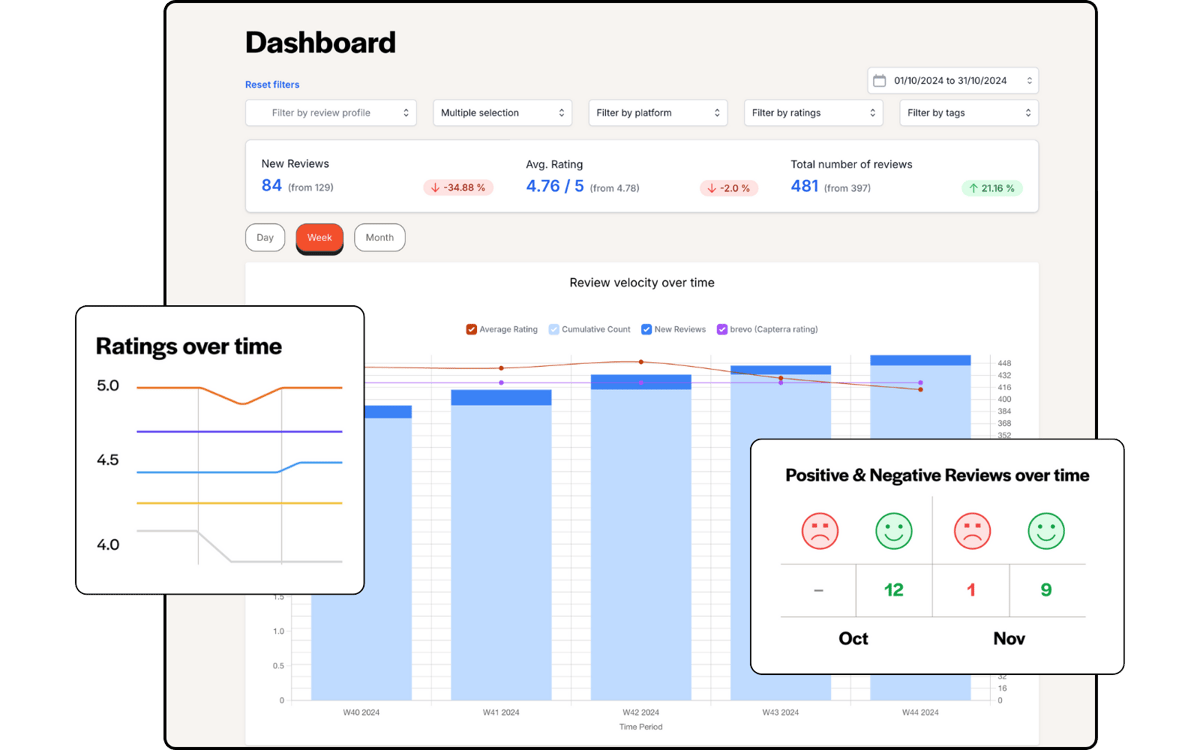
Calculate review conversion rate from Lunchbox orders
Most restaurants celebrate hitting 500 total reviews, but that means nothing without knowing your order volume. A location with 500 reviews from 25,000 orders has a 2% conversion rate, while a competitor with 200 reviews from 3,000 orders is crushing it at 6.7%. Because Reviewflowz connects directly to Lunchbox, you see exactly how many orders generated how many reviews each month. Track performance by location, time period, or staff member. The average conversion rate across all Reviewflowz customers is 7.5%.
AI auto-replies to reviews across all platforms
Responding to every review builds trust and improves local search rankings, but manually replying across Google, Yelp, Facebook, and TripAdvisor takes hours daily. Reviewflowz AI generates personalized responses to every review in your restaurant's voice across all 200+ monitored platforms. The system learns your brand tone and crafts appropriate responses to both positive feedback and complaints. You can approve each reply manually or set them to publish automatically, ensuring every customer feels heard without consuming staff time.

Start replying today
Your review history imports the moment you connect, so there is something to reply to from the first minute.
FAQs
Which review platforms matter most for restaurants using Lunchbox?
Google Reviews drives the most impact for restaurants since it directly affects local search rankings when customers search for nearby dining options. However, Yelp remains crucial for food discovery, especially in urban markets, while Facebook reviews influence social proof for customers viewing your page. Platform-specific sites like DoorDash, Uber Eats, and Grubhub reviews also matter if you process delivery orders through Lunchbox. Reviewflowz monitors all these platforms plus 200+ others, so you get comprehensive coverage without managing multiple dashboards or missing critical feedback that affects your restaurant's online reputation.
How do I measure review performance for my Lunchbox restaurant?
The key metric is review conversion rate: total reviews divided by total orders completed in Lunchbox during the same period. A restaurant with 1,000 reviews sounds impressive until you realize they served 50,000 customers, giving them just a 2% conversion rate. Meanwhile, a competitor with 300 reviews from 4,000 orders achieved 7.5% conversion. Reviewflowz automatically calculates this by connecting to your Lunchbox order data, showing you the percentage of customers who actually leave feedback. This lets you benchmark against industry averages and optimize your review collection strategy.
How does Reviewflowz trigger review requests from Lunchbox?
When an order status changes to 'completed' in your Lunchbox system, Reviewflowz immediately detects this trigger and sends a review request to the customer's email, phone, or WhatsApp number. The integration monitors order completion events in real-time, whether for pickup, delivery, or dine-in orders processed through Lunchbox. You configure the timing once during setup, choosing whether to send requests immediately upon completion or with a delay. The system handles everything automatically after the initial 15-minute setup process.
Can Lunchbox restaurants send review requests via WhatsApp?
Yes, Reviewflowz supports WhatsApp review requests for restaurants using Lunchbox, alongside email and SMS options. WhatsApp achieves nearly 98% open rates compared to roughly 20% for email, making it significantly more effective at reaching customers who actually see your review requests. The WhatsApp integration works exactly like email and SMS, automatically sending requests when orders are completed in Lunchbox. Pricing varies by country, while email costs $5 per 1,000 messages and SMS costs $5 per 100 messages with no monthly minimums or contracts required.
Can I track which staff members generate the most reviews?
Yes, Reviewflowz automatically attributes reviews to the specific cashier, server, or manager who processed each order in Lunchbox without requiring customers to mention staff names. The system pulls employee data directly from your Lunchbox records, so when reviews come in, they're automatically connected to the right team member. This creates detailed performance leaderboards showing which staff generate the most positive feedback and highest review conversion rates. You avoid Google's tendency to flag reviews that specifically mention employee names while still getting actionable coaching insights.
How long does Lunchbox integration with Reviewflowz take?
Setting up Reviewflowz with your Lunchbox system takes under 15 minutes with no developer or IT support required. The process involves connecting your Lunchbox account, selecting which order completion events trigger review requests, and choosing your preferred communication method (email, SMS, or WhatsApp). Once configured, automated review requests begin going out the same day for every completed order. The integration is plug-and-play, designed specifically for restaurant operators who need immediate results without technical complexity or lengthy implementation timelines.
What do review requests cost for Lunchbox restaurants?
Reviewflowz charges $5 per 1,000 email requests and $5 per 100 SMS requests on a pay-as-you-go basis with no monthly minimums, contracts, or setup fees. For most restaurants, this works out to just pennies per review collected. A location sending 500 email requests monthly pays $2.50, while 200 SMS requests cost $10. WhatsApp pricing varies by country but typically falls between email and SMS costs. Since the average review conversion rate across Reviewflowz customers is 7.5%, you're typically paying under $1 per actual review received.